Add it to your agent
One line for Claude Code or Codex, a plugin that brings a usage skill, or one click in Cursor and VS Code.
claude mcp add parcad -- parcad mcpFor people and their AI agents. Select edges with a description like “hole rims on the top face”, get every part measured on an OpenCASCADE B‑rep, and give your agent the same tools over MCP.
Free · MIT or Apache-2.0 · Experimental
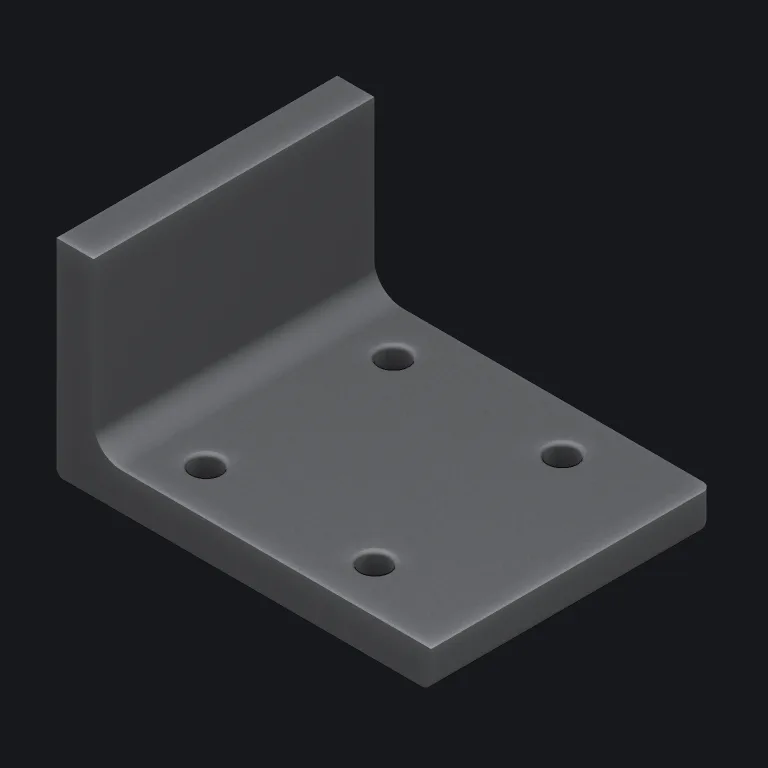
1const plate = box(80, 60, 8).tag("plate");2const wall = box(8, 60, 40).at(-36, 0, 20).tag("wall");3 4const body = union(plate, wall, { blend: 6 }); // the blend is the fillet5const drilled = body.cut(6 ...grid(2, 2, 36, 40).map(([x, y]) => cylinder(3, 32).at(x, y)),7);8 9return drilled10 .edges({11 curve: "circle",12 role: "hole",13 adjacentTo: { faceNormal: "+z" },14 })15 .expect({ count: 4 }) // four rims, or the build stops16 .fillet(0.8);The selector matches the four hole rims on the top face. Move a hole and it matches them again; lose one and the build stops at .expect()
Free and open source · macOS, Linux, Windows, browser
In a CAD script, moving one hole can shift a fillet onto a different edge while the build still succeeds. ParCAD describes geometry, checks each description on every build and measures the solid it made.
Write what you mean: the circular rims that open onto the top face, the seam where the arm meets the hub. The description keeps matching after you move a hole or add three more.
Add .expect({ count: 4 }) to a selector. If an edit changes what it matches, the build stops and lists every edge it found, with its length and position, so you know what to change.
error expected 3 edge(s), but matched 4. The model's topology
changed; inspect the current edges and update the selector
or expectation. The edges matched, shortest first:
  18.84 mm arc at (-18.00, -20.00, 4.00), convex 90°
  18.84 mm arc at (-18.00, 20.00, 4.00), convex 90°
  18.84 mm arc at (18.00, -20.00, 4.00), convex 90°
18.84 mm arc at (18.00, 20.00, 4.00), convex 90°Your script builds a small graph, and OpenCASCADE turns it into faces and edges. The viewport, the measurements and the STEP file all come from that one solid.
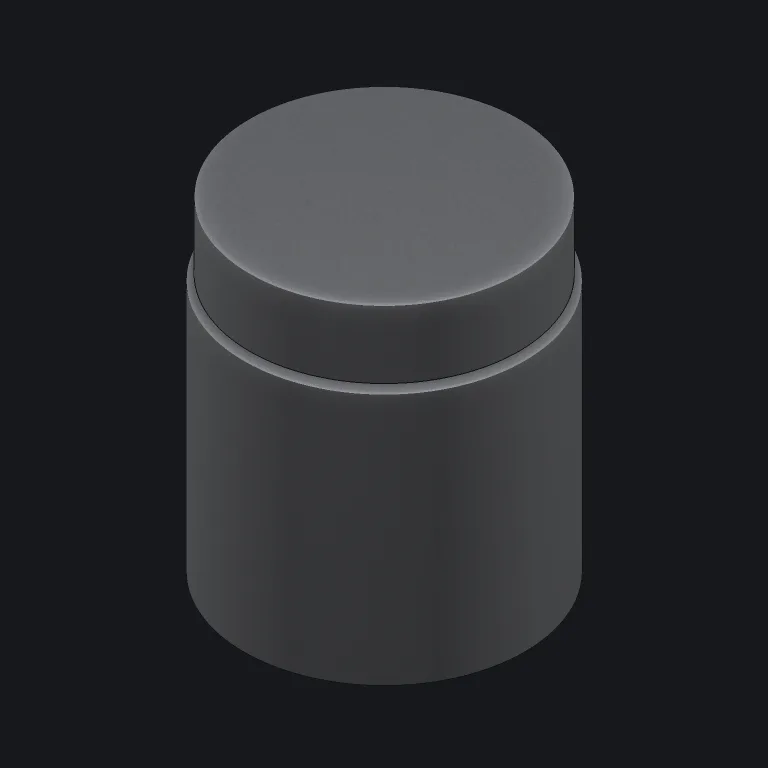
Reports read volume, wall thickness, whether two bores meet and the gap between a lid and its base off the built solid. The jar and cap in the picture sit 0.25 mm apart on the thread.
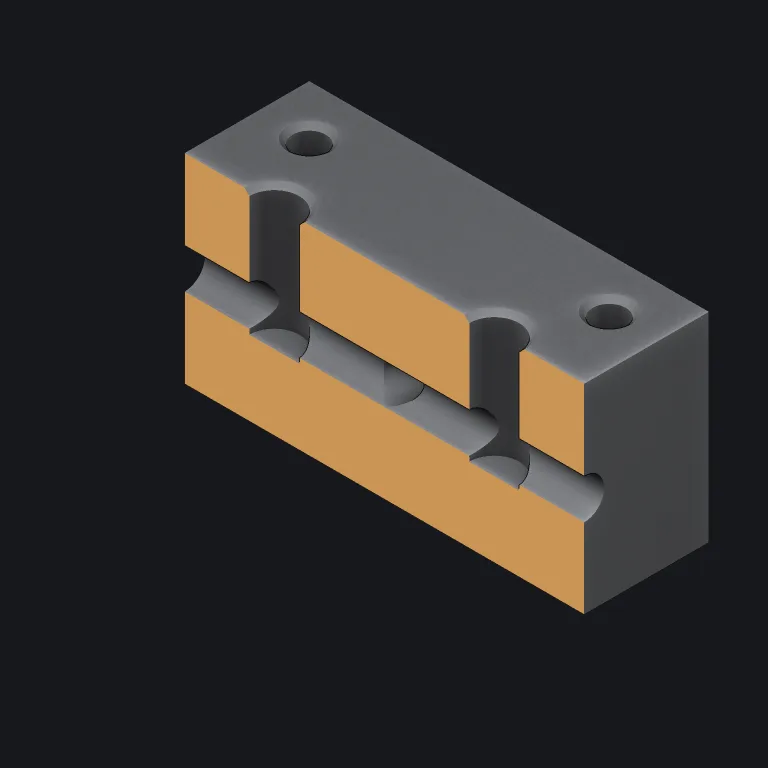
Cut any part on a plane to check that bores meet and walls keep their thickness. An agent gets the same section views over MCP.
The running app serves MCP at 127.0.0.1:4242/mcp from the same service the window uses. An agent reads the language, builds, measures and exports parts, and works in the session you have open.
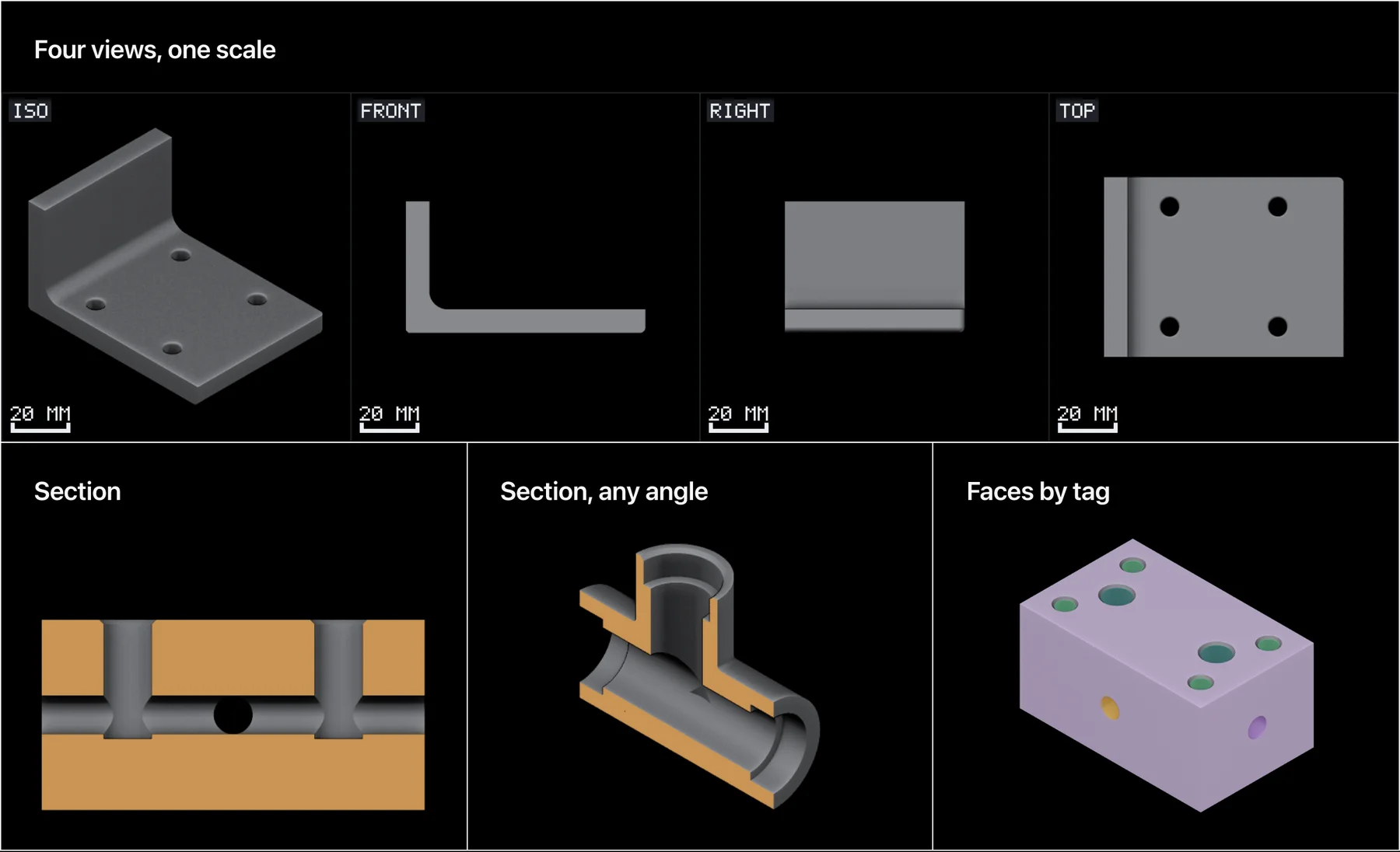
One line for Claude Code or Codex, a plugin that brings a usage skill, or one click in Cursor and VS Code.
claude mcp add parcad -- parcad mcpFour views at one scale, sections through the inside, and faces coloured by the tag that built them, drawn for a model that reads images.
Open ParCAD web, choose Connect your AI and give your client the link. The browser tab is the server; the relay forwards messages and stores none.
Each tool reply goes to a small model over MCP, in both thinking modes. A trial counts as SOUND only when the model reached the right answer by the route the case requires.
Each one runs the same kernel, with the same tools and reports.
Free
Releases · winget on Windows
The editor, the viewport and the MCP server in one window.
What you get
Free
Homebrew, macOS and Linux
The same host without a window, for your browser or your agent.
What you get
Free
Nothing to install
The desktop editor and kernel, compiled to WebAssembly, in a browser tab.
What you get
MIT or Apache-2.0, at your option. OpenCASCADE and its bindings are LGPL-2.1, so redistributing a binary carries obligations — NOTICE.md spells them out. Builds are unsigned for now; the README says how to open them.
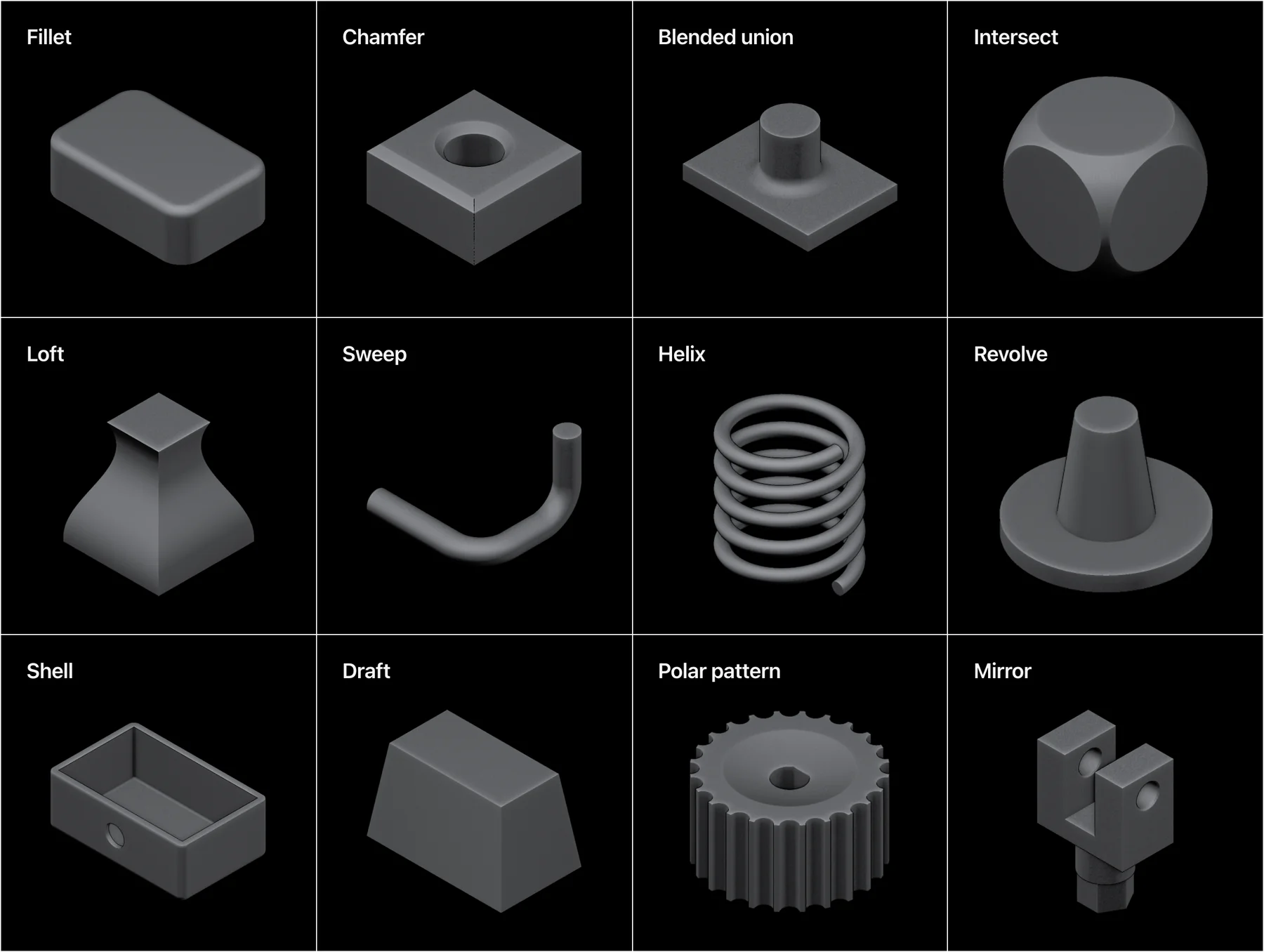
Fillet, chamfer, blended union, intersect, loft, sweep, helix, revolve, shell, draft, patterns and mirror, plus threads, thickened surfaces and fitted curves.
Each operation lands with a case in eval/cases/ that records what it measured. When a change moves one of those numbers, a test fails before release.
threadedRod on the neck, threadedHole in the cap, 0.25 mm clearance each. between_bodies reads the gap back off the built solids.
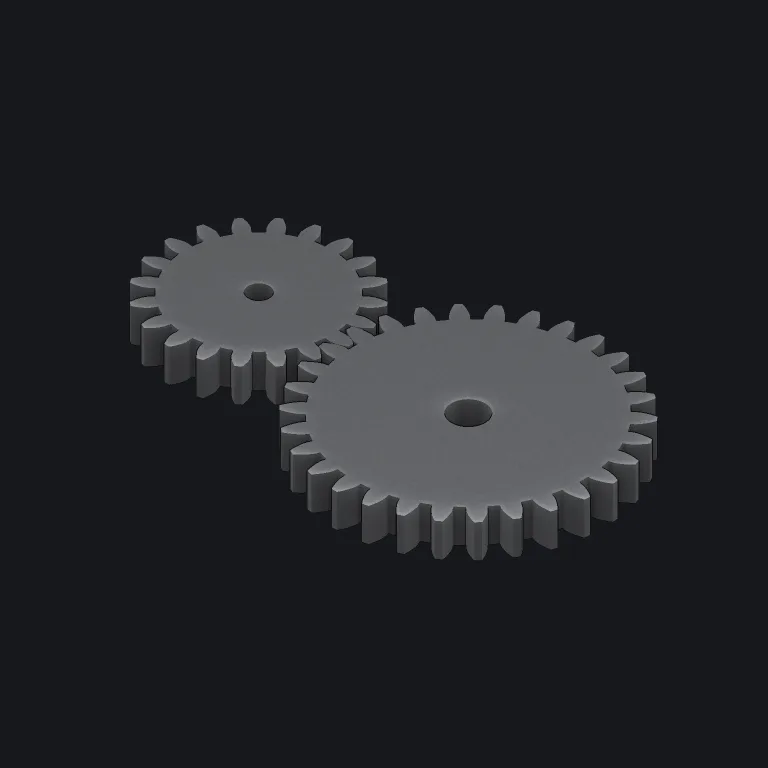
Every flank an involute the script certifies to a few millionths of a millimetre.
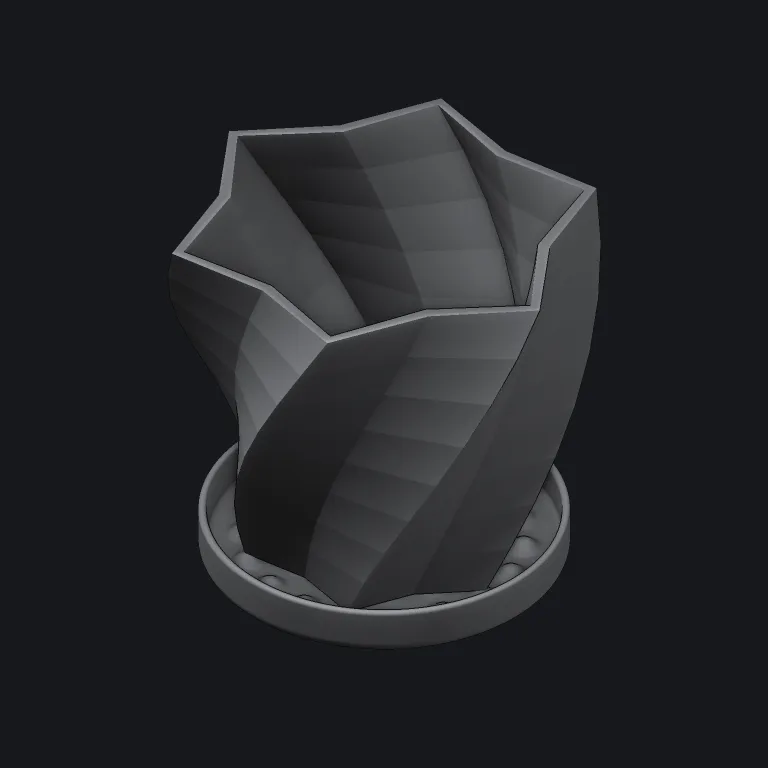
A ruled loft through nine star sections, hollowed along the same twist to a 2 mm wall.
Brackets, flanges, manifolds and heat sinks — parts you print or machine one of. Each opens as a seed part in the app, and most have a case in the eval corpus, so an example that stops building fails a test.
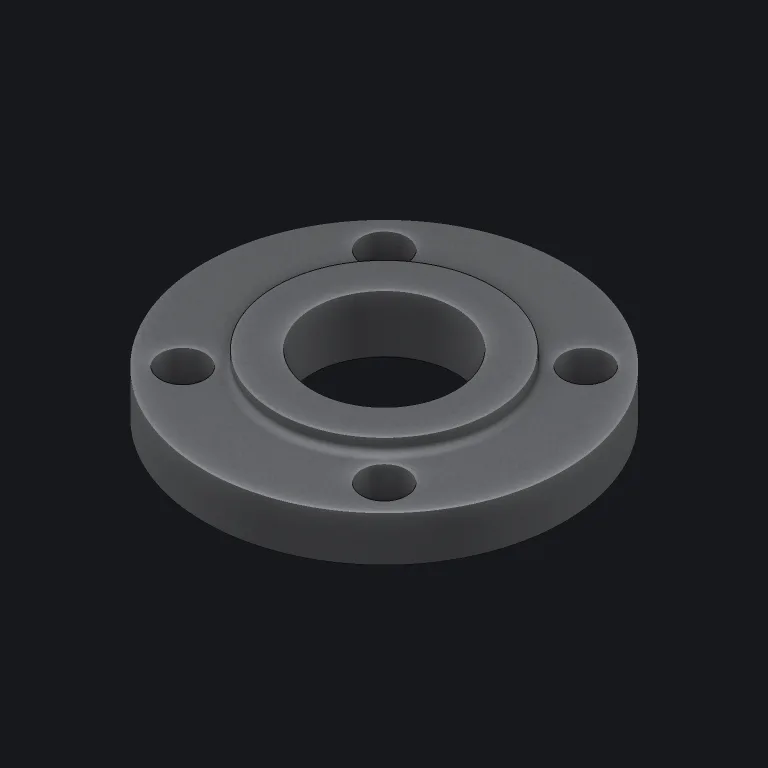
A bolt circle, and one cut whose provenance reaches five rims
Involute flanks checked against the formula, meshed at their centre distance
A ruled loft through nine star sections, hollowed along the same twist
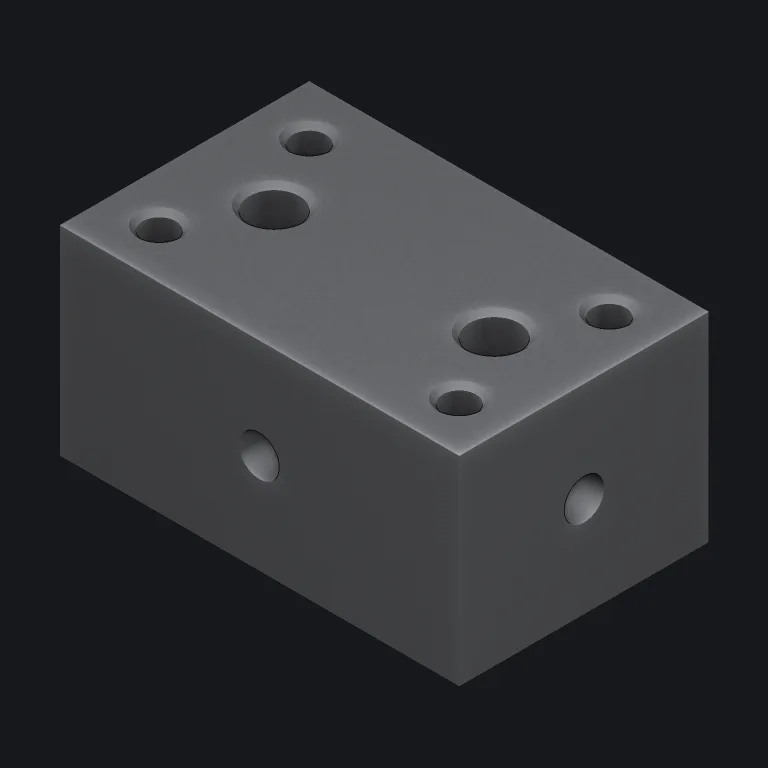
Cross-drilled galleries that have to actually intersect
A modelled thread on the neck and in the cap
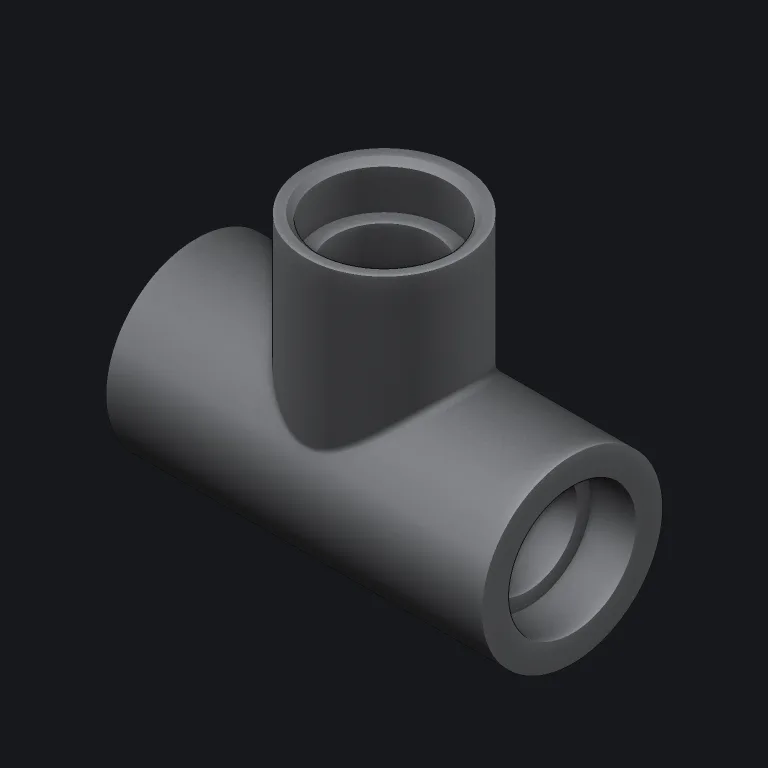
A saddle intersection curve, blended inside and out
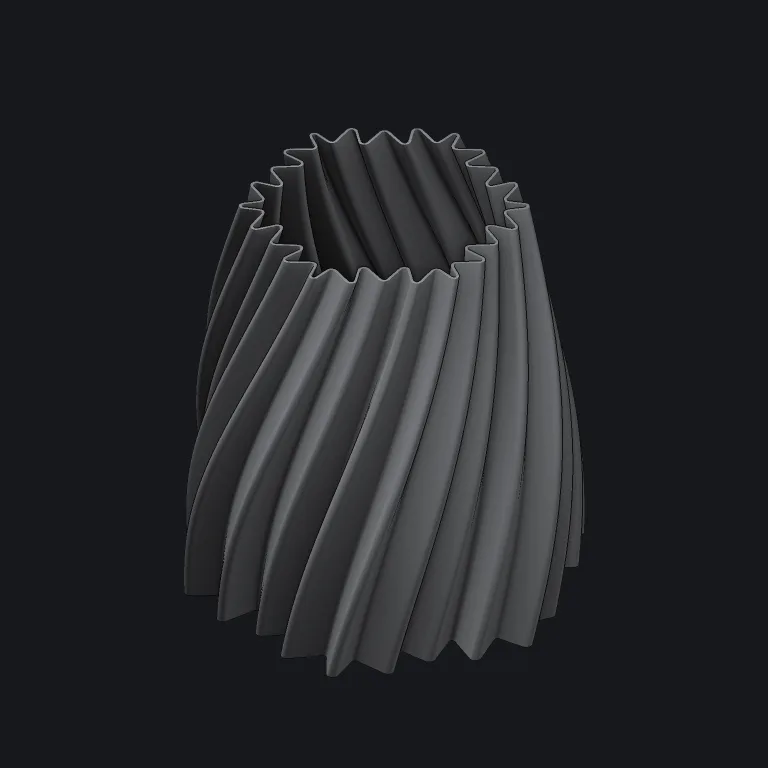
A loft surface through fitted sections, thickened into a wall
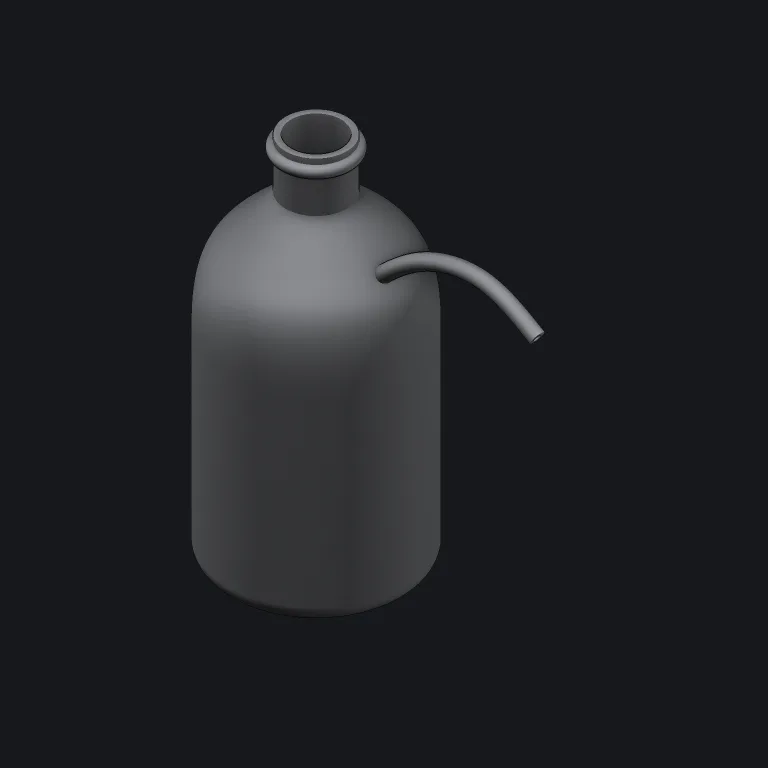
A spline shoulder, and a spout bored along its own spline
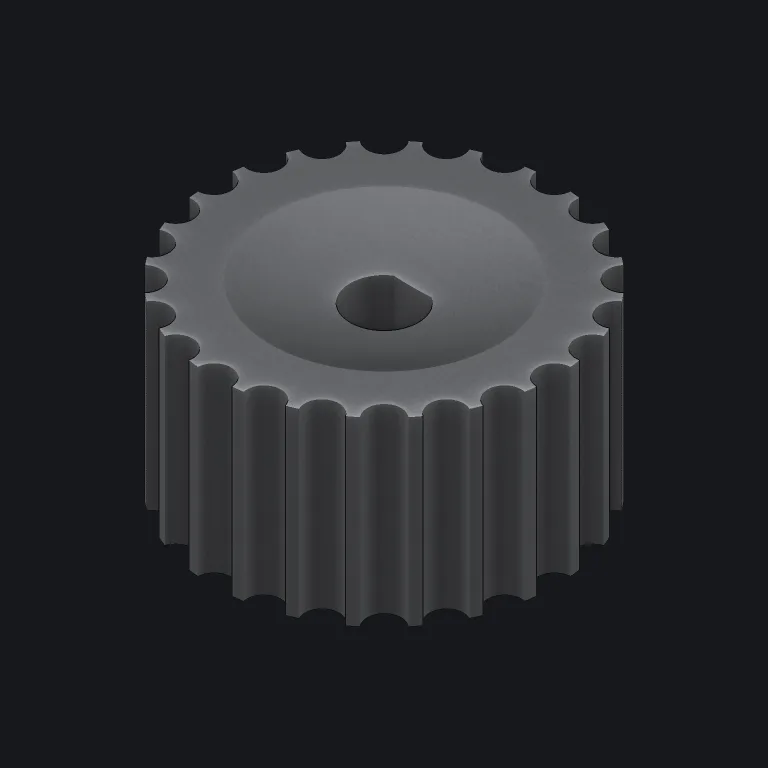
A D-bore by intersection and 24 flutes
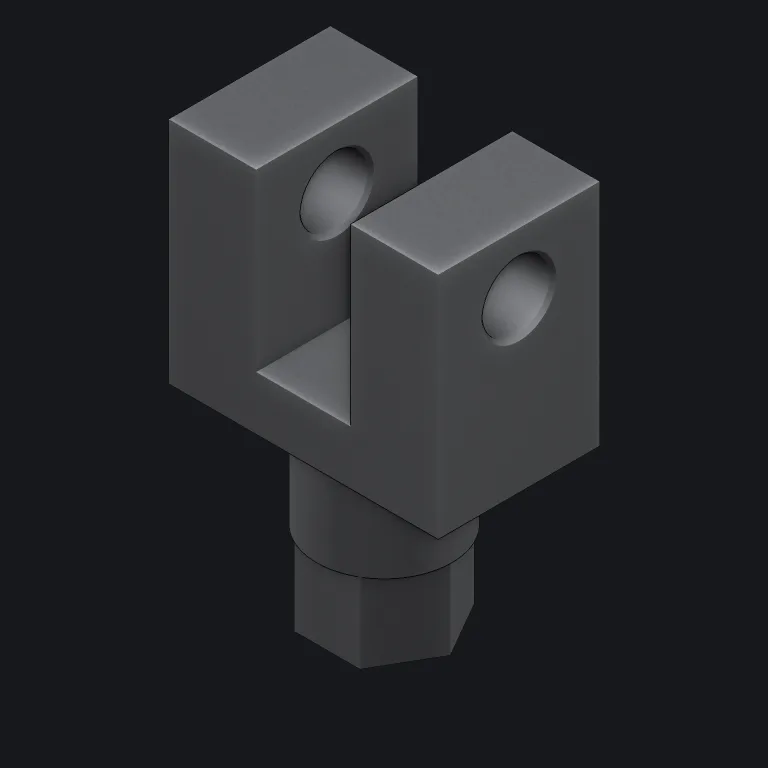
One fork arm authored, the other mirrored
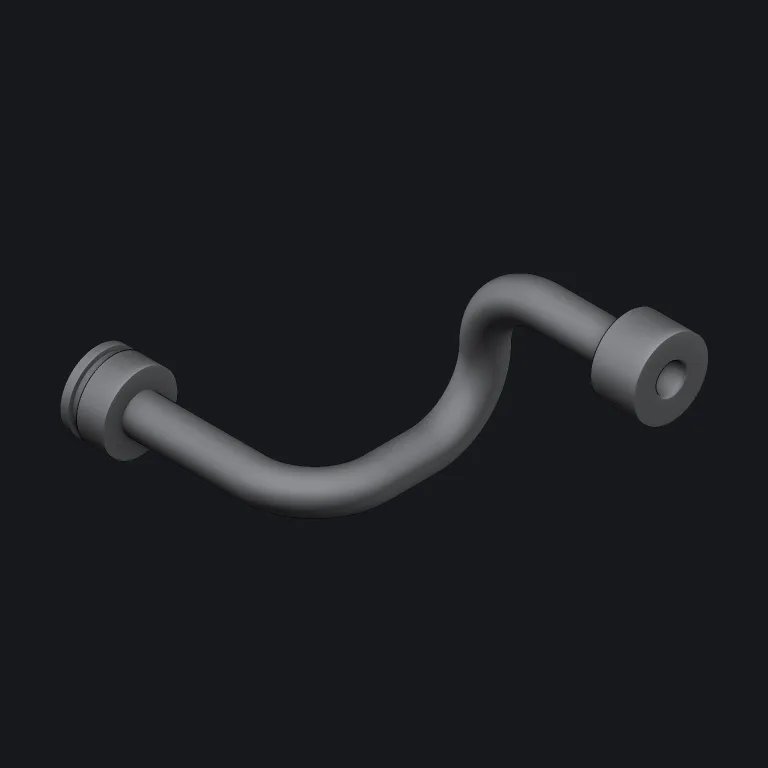
Straight runs and real bend radii, bored along the same route
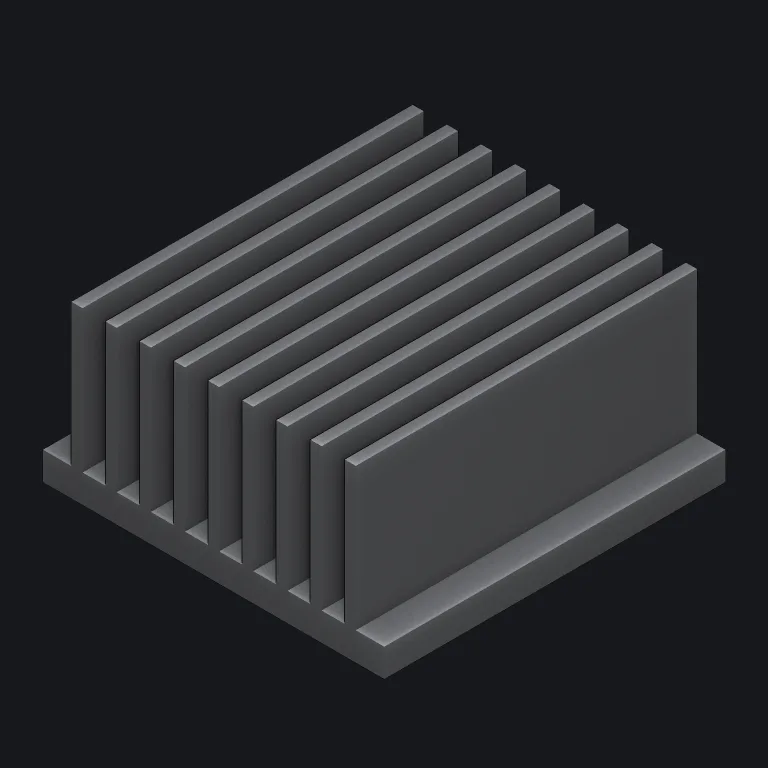
One fin shape placed nine times from a single graph node
For anything else, open an issue on GitHub.
It's experimental: one author, and the DSL still changes. Every operation is checked against measured geometry in the eval corpus, but none of it has had years of use yet.
Measure a part before you machine it.
Those projects are older and more mature. ParCAD differs in three ways: selectors describe geometry and check how many edges they match; the viewport, measurements and STEP export come from one B‑rep; and every report carries measured numbers an agent can read.
Small mechanical parts: brackets, flanges, manifolds, heat sinks, enclosures — things you print or machine one of. Units are millimetres.
Any MCP client: Claude Code, Codex, Cursor, VS Code, the Claude app as a custom connector, or anything that connects to a URL. Start the agent on read_docs, which returns the whole language in one call.
STEP for exact surfaces, 3MF for a slicer with each body as its own named object, and STL for a bare mesh. Each export reports the file's size, volume, watertightness and the deflection of every triangle.
MIT or Apache-2.0, at your option. OpenCASCADE and its bindings are LGPL-2.1, so redistributing a binary carries obligations; NOTICE.md spells them out.